
Description
Need to rollback WordPress after a problematic update? Want to downgrade to a known-good release, or move to a specific core version for testing?
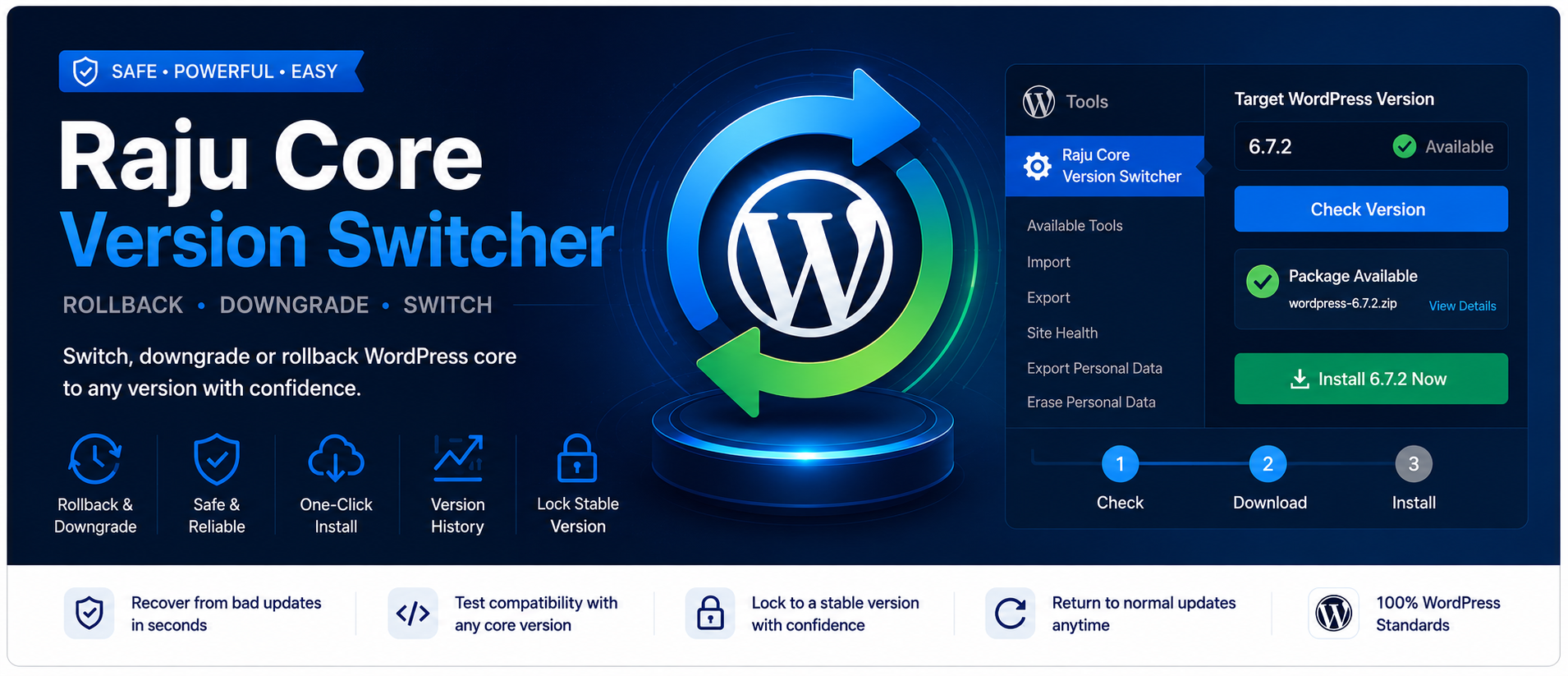
Raju Core Version Switcher gives you clear control over the WordPress core version on your site—from a simple settings screen, with optional one-click install and a guided workflow.
Why site owners and developers use it
- Recover quickly when a core update breaks themes, plugins, or layouts
- Switch to an exact WordPress version for staging and compatibility checks
- Lock the site to a stable release while you plan the next update
- Avoid guesswork with package checks and a clear progress path
Key features
- Set an exact target WordPress core version
- Automatic and manual version package checks
- One-click install of the target version from the settings page (when you have permission)
- Progress feedback during download and install
- Save settings without a full page reload
- Guided 3-step progress so you always know what to do next
- Status panel with download URL verification
- Recent target-version history
- Works with the normal Dashboard Updates flow as well
- Admin-only UI (no frontend scripts)
How to use
- Go to Tools Raju Core Version Switcher
- Enter the exact version you want (example:
6.7.2or7.0.2) - Use Check (or wait for the automatic check) to confirm the package exists
- Click Save settings
- Install from this page, or open Dashboard Updates
- When you are done, clear the target version and save to restore normal updates
Safety first
Changing core versions can affect themes, plugins, and site behavior.
- Backup files and database before any change
- Prefer testing on a staging site first
- Confirm theme and plugin compatibility with the target version
- Only use trusted package sources
This tool is for users who understand WordPress updates and backups.
Compatibility
- Requires WordPress 5.3 or higher
- Requires PHP 7.2 or higher
- Tested up to WordPress 7.0
- Multisite: configure each site under Tools Raju Core Version Switcher. Network-wide management is not included.
Privacy
This plugin does not collect personal data and does not require an external account. Settings stay in your WordPress database. Version checks request public package URLs from WordPress.org.
Privacy
This plugin does not collect, store, or transmit personal user data to the plugin author. Options are stored in your WordPress database. Remote requests are limited to checking public WordPress package URLs.
Installation
Automatic installation
- Go to Plugins Add New
- Search for Raju Core Version Switcher
- Click Install Now, then Activate
Manual installation
- Upload the plugin folder to
/wp-content/plugins/ - Activate Raju Core Version Switcher
- Open Tools Raju Core Version Switcher
After activation
- Enter a target WordPress version
- Check that the package is available
- Save settings
- Install from the plugin page or Dashboard Updates
- Clear the target version later for normal update behavior
FAQ
-
How do I rollback WordPress after a bad update?
-
Open Tools Raju Core Version Switcher, enter the previous version, check that it is available, save, then install from the plugin page or Dashboard Updates. Backup first.
-
How do I downgrade WordPress to an older version?
-
Enter the older version number as the target, save settings, and complete the install. Always backup files and the database first.
-
Can I install the target version from this plugin?
-
Yes. After you save a valid target version, use Install … now on the settings page (requires the
update_corecapability). You can still use Dashboard Updates if you prefer. -
How do I lock WordPress to a specific version?
-
Set the target to the version you want to stay on and save. Clear the field when you want normal updates again.
-
How do I return to normal WordPress updates?
-
Clear the target version field and save settings. While no target is set, this plugin does not change WordPress update offers.
-
Is it safe to change WordPress versions?
-
It can break incompatible themes or plugins. Backup first and test on staging when possible.
-
Does this work on WordPress multisite?
-
Yes for per-site use. Configure each site from Tools Raju Core Version Switcher. Network-wide management is not included.
-
Will this slow down my website?
-
No. Scripts and styles load only on this plugin’s settings page. Nothing is added to the frontend.
-
Does the plugin send my data anywhere?
-
No personal data is collected. Remote requests are limited to checking public WordPress package URLs.
Reviews
There are no reviews for this plugin.
Contributors & Developers
“Raju Core Version Switcher” is open source software. The following people have contributed to this plugin.
Contributors
Translate “Raju Core Version Switcher” into your language.
Interested in development?
Browse the code, check out the SVN repository, or subscribe to the development log by RSS.
Changelog
1.0.0
- Renamed to Raju Core Version Switcher for a distinctive directory listing name
- Updated text domain and contributor details for WordPress.org
- Set a target WordPress core version and verify package availability
- Install the target WordPress version from Tools or Dashboard Updates
- Added guided progress steps and install progress feedback
- Added AJAX-powered settings save and localized admin UI strings
- Added recent target-version history with aligned history display
- Admin-only UI with no frontend scripts